
Patient journey operations
Keep every patient moving along one reviewed arc.
PatientArc brings schedule risk, recall, treatment follow-up, patient messages, insurance checks, claim packet prep, and staff-owned next steps into one calm operating layer.
AI prepares. Staff approves. Nothing patient-facing ships on autopilot.
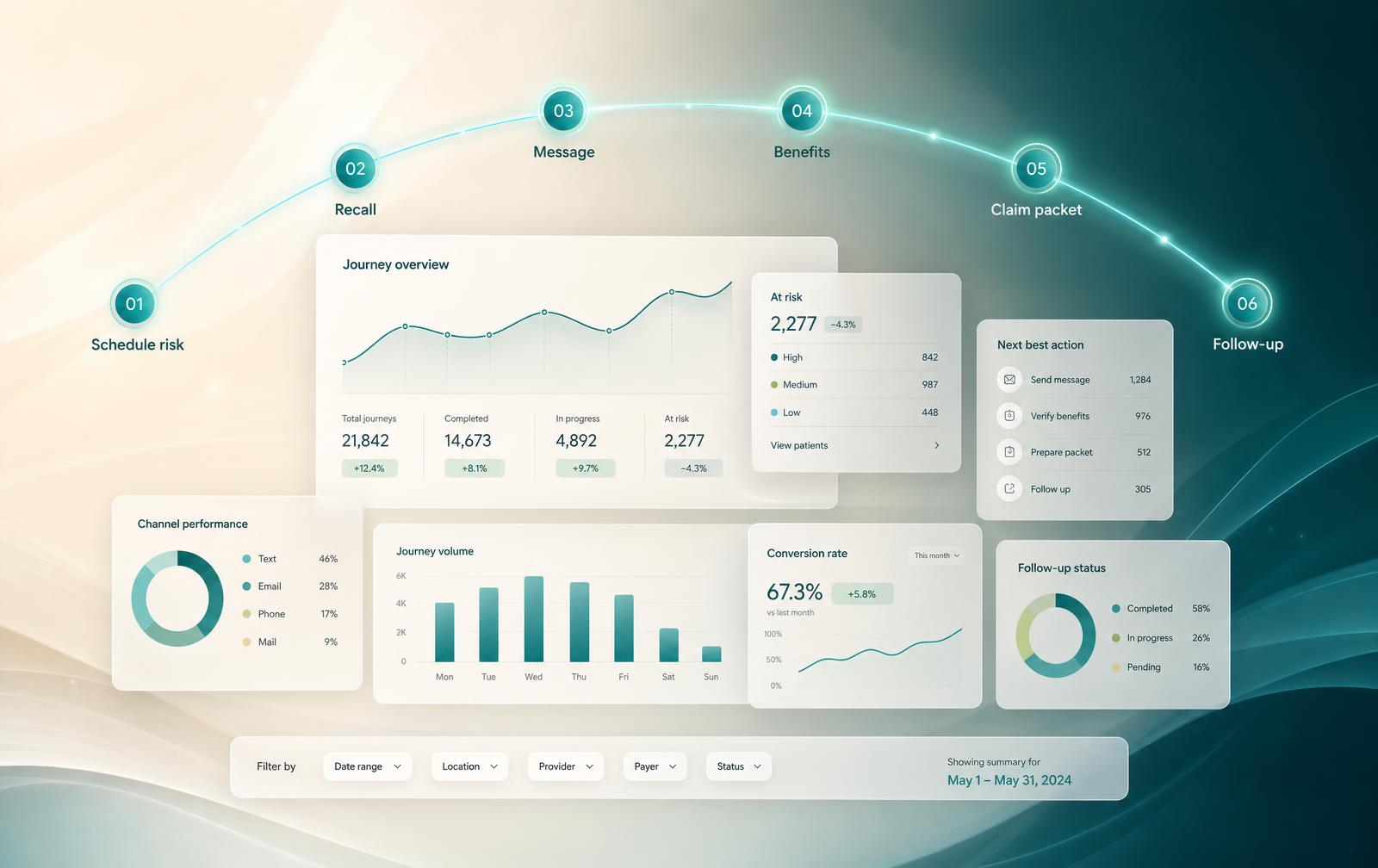
Live workspace
Patient Journey Arc
- 01
- 02
- 03
- 04
- 05
- 06
Recall due
Overdue 4 months
ReadySlot matched
Tue · 10:30a
ReadyMessage drafted
Confirmation SMS
Needs staff reviewBenefits checked
Eligibility request
Waiting on payerFollow-up queued
Post-op day 3
Follow-up dueClaim packet ready
Attachments complete
Ready
Staff queue
Next best action
Approve confirmation SMS
Stage 03 · drafted 2m ago
Re-check payer response
Stage 04 · 18h waiting
Send post-op follow-up
Stage 05 · due today
Nothing sends until a staff member approves it.
One operating layer for the whole patient day.
A patient’s day is one continuous arc: they get scheduled, reminded, treated, billed, and followed up. PatientArc keeps those six streams in a single reviewed workspace.
Schedule
Tomorrow's day read for risk: unconfirmed visits, open chairs, and the patients who could fill them.
Recall
Overdue hygiene grouped by how far past due it is, each with a drafted outreach ready to review.
Messages
Calls, texts, and forms in one queue, each with the patient's history and a suggested reply attached.
Benefits
Eligibility, remaining maximums, and pre-auths tracked with a visible state instead of a browser tab.
Claims
Codes, narratives, and attachments gathered into a packet your team checks before it goes out.
Follow-ups
Unscheduled treatment and post-visit checks stay on the arc until they are booked or closed.
Where the arc breaks today.
Practices rarely lose a patient in one place. They lose them between steps, because the work sits in five systems that never hand off to each other.
In the PMS
The schedule shows what is booked, not which visits are at risk or which chairs will sit empty.
In the inbox
A patient answers on text, another on the web form. The reply happens; the next step never gets booked.
In insurance tabs
Five payer portals, five logins, and a verification that has to be repeated because nobody logged it.
In chart notes
Treatment was accepted in June. It is recorded, but nothing carries it forward to a scheduled visit.
On sticky notes
The follow-ups that matter most live on a monitor edge, and leave with whoever wrote them.
Recall becomes a real opening.
Overdue patients are grouped, matched to a realistic time, and handed to staff with the outreach already drafted.
- Buckets by overdue window, not one flat list
- Each group matched to an appointment window that fits
- Outreach drafted; staff approve before it sends
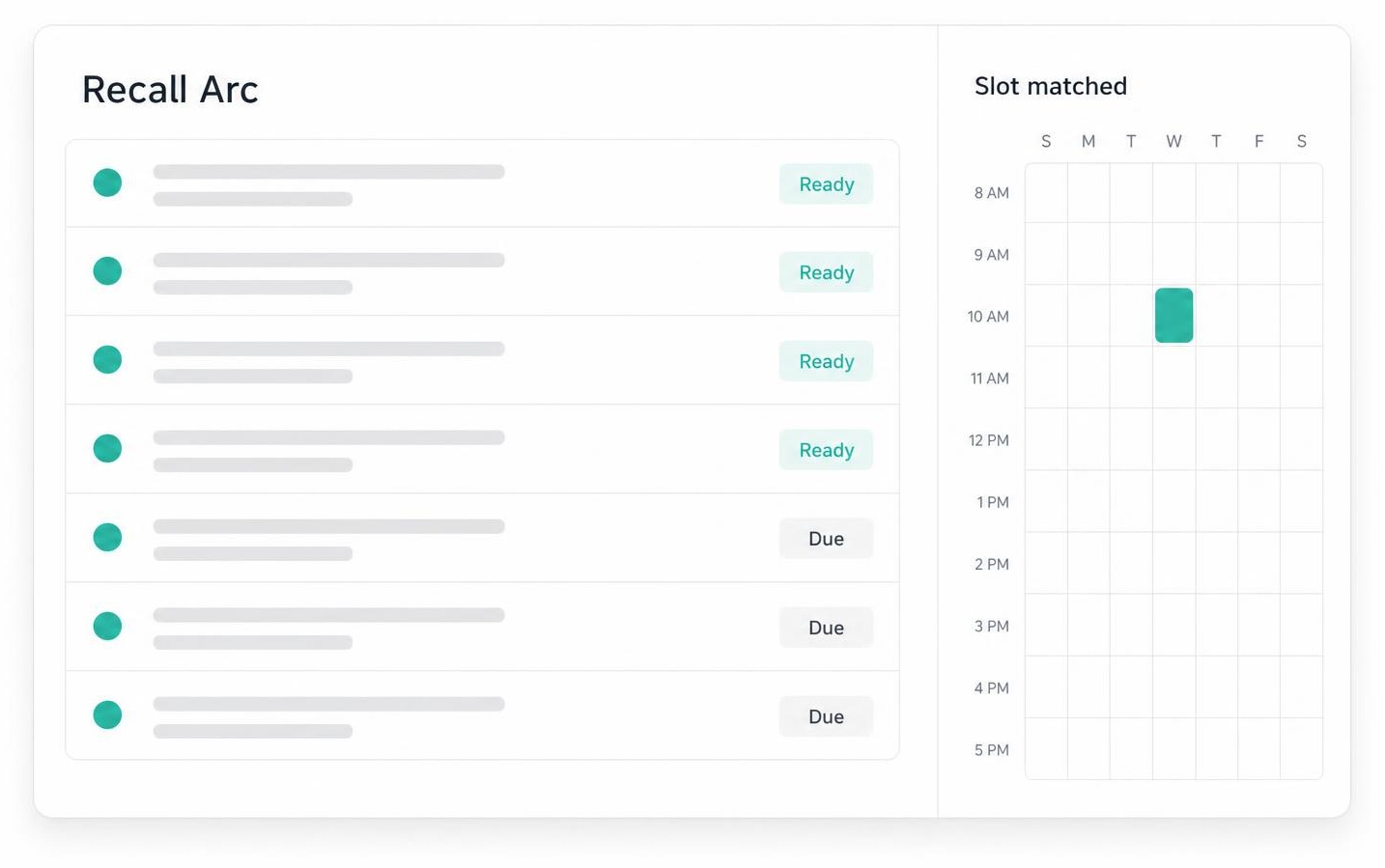
Recall queue
35 patients · grouped by bucket
- 18
6 month recall
·last contacted 2 weeks ago
Likely-fit window: Tue 9–11 AM
- 11
9 month recall
·last contacted a month ago
Likely-fit window: Thu afternoon
- 6
Overdue 12 mo+
·no reply on last attempt
Likely-fit window: Fri morning
Messages become reviewed next actions.
Calls, texts, and form requests land in one queue with a proposed reply and the step that should follow it.
- One queue across channels, ranked by what is time-sensitive
- Every draft carries the next step, not just a response
- Nothing reaches a patient without staff approval
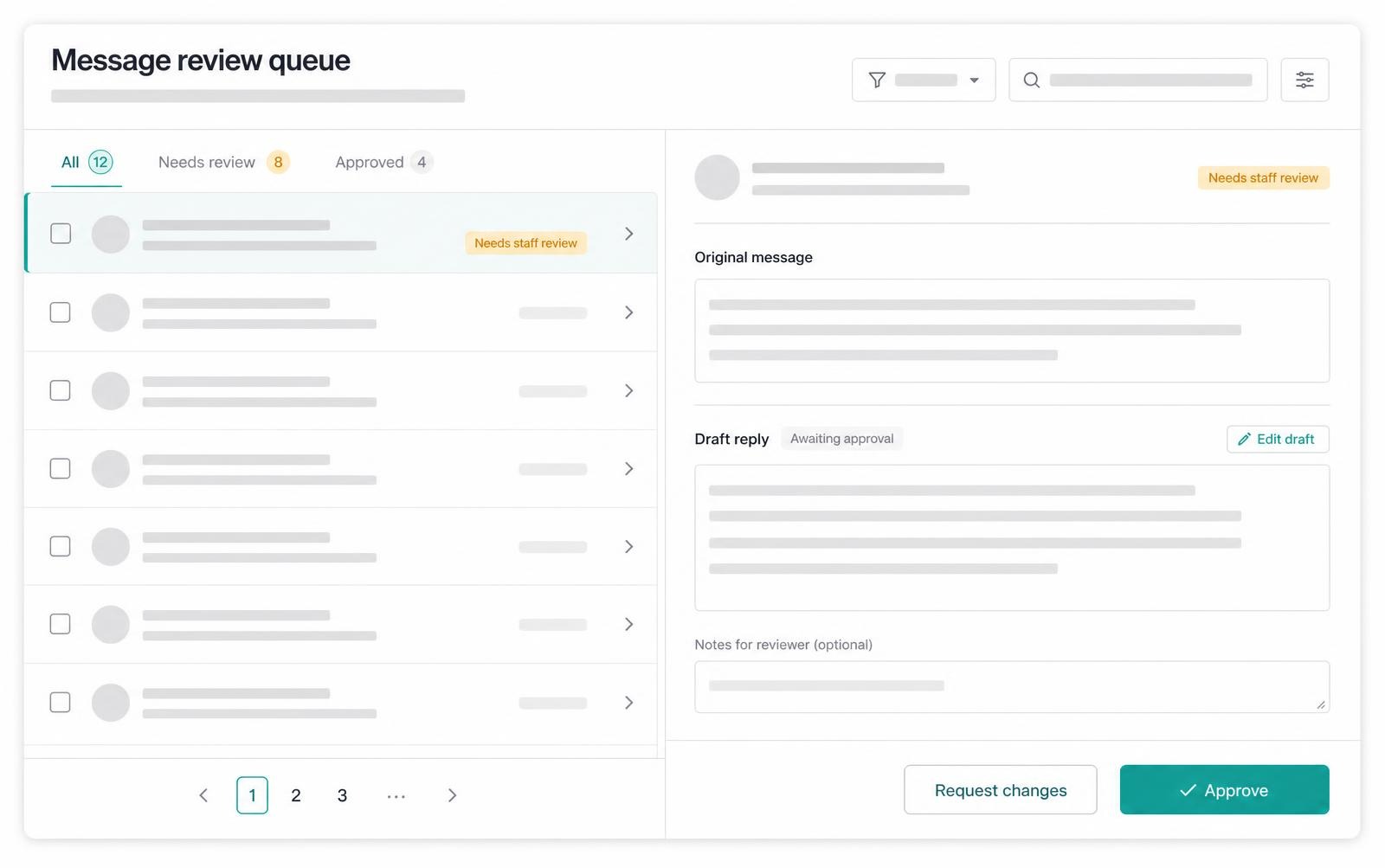
Message desk
9 inbound · grouped by urgency
Urgent · respond now
Mark D.
SMS4 min agoTooth pain getting worse since last night. Can you fit me in today?
Drafted reply · for staff approval
"Hi Mark — sorry to hear that. We have an opening at 2:00 PM today with Dr. Patel. Reply Y to take it, or call us at the front desk."
Today · respond by 5 PM
Rachel A.
SMS22 min agoNeed to move Tuesday — anything Friday after 2?
Jordan T.
Voicemail1 hr agoAsked about cost of night guard, will call back this afternoon.
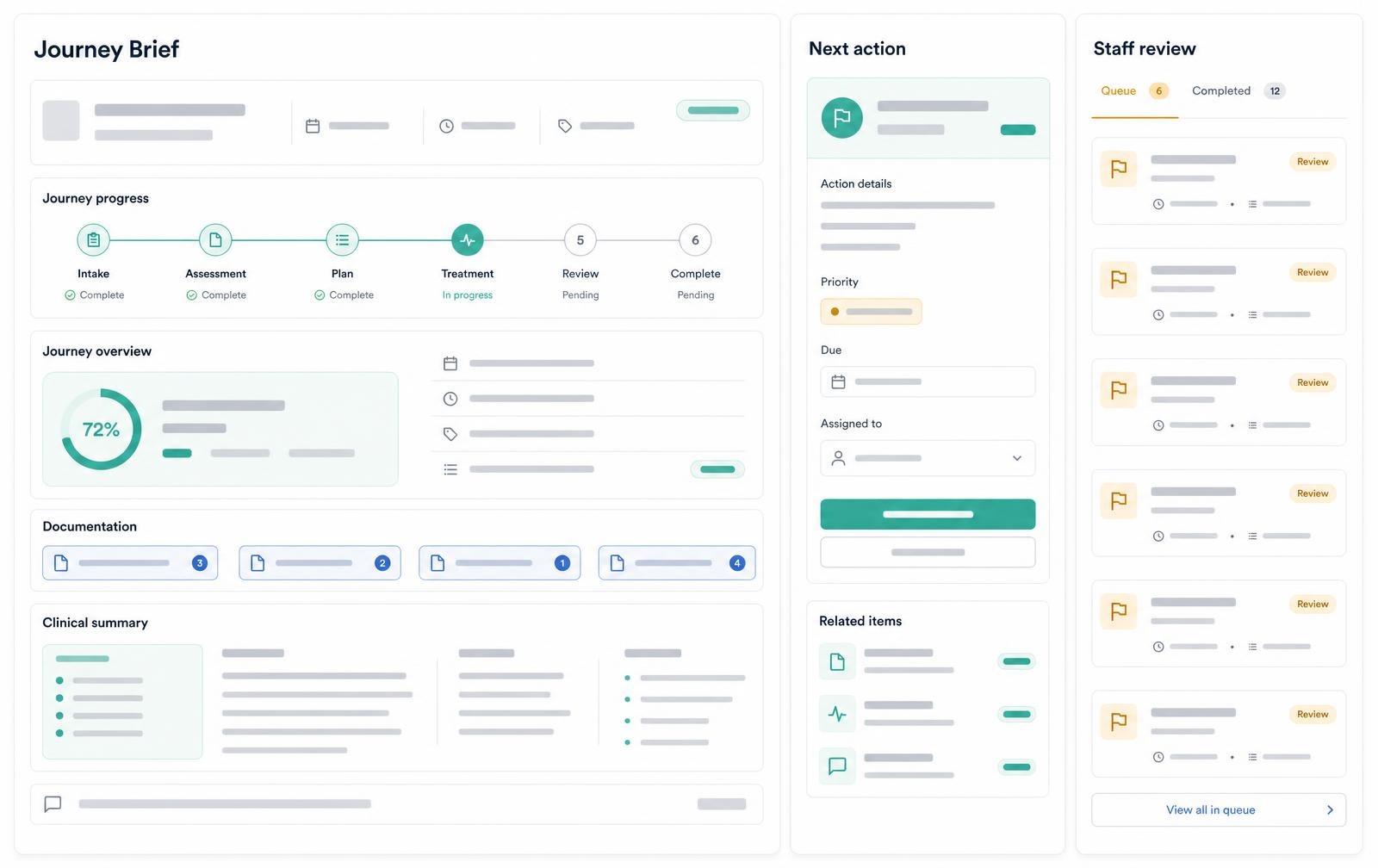
Treatment plans get follow-up.
Accepted and unscheduled treatment stays on the arc with a dated next step until it is booked or closed.
- Unscheduled treatment tracked by age, not by memory
- Each plan carries an owner and a dated next step
- Follow-up drafts ready for staff to review and send

Morning brief · 7:42 AM
Tuesday — Op 1 & Op 2
14
Confirmed
3
No reply
2
Gaps
14 confirmations sent
SMS · 11 confirmed, 3 still pending
2 schedule risks flagged
Op 2 · 10:40 gap · Op 1 · 3:15 unconfirmed
6 recall matches ready
Drafted texts awaiting approval
Insurance tasks stay visible.
Eligibility, frequency limits, and pre-authorizations sit on one board with a clear state instead of a stack of tabs.
- Every benefit task shows who is waiting and on whom
- Payer waits are labelled, not lost
- Staff verify before anything is promised to a patient
Benefit task board
4 tasks · this week
- Ready
Eligibility check
Tue 9:00 AM · new patient
- Needs staff review
Frequency limit
Perio maintenance · 3 mo
- Waiting on payer
Pre-authorization
Crown · submitted Mon
- Needs staff review
Coverage change
Plan switched Jan 1
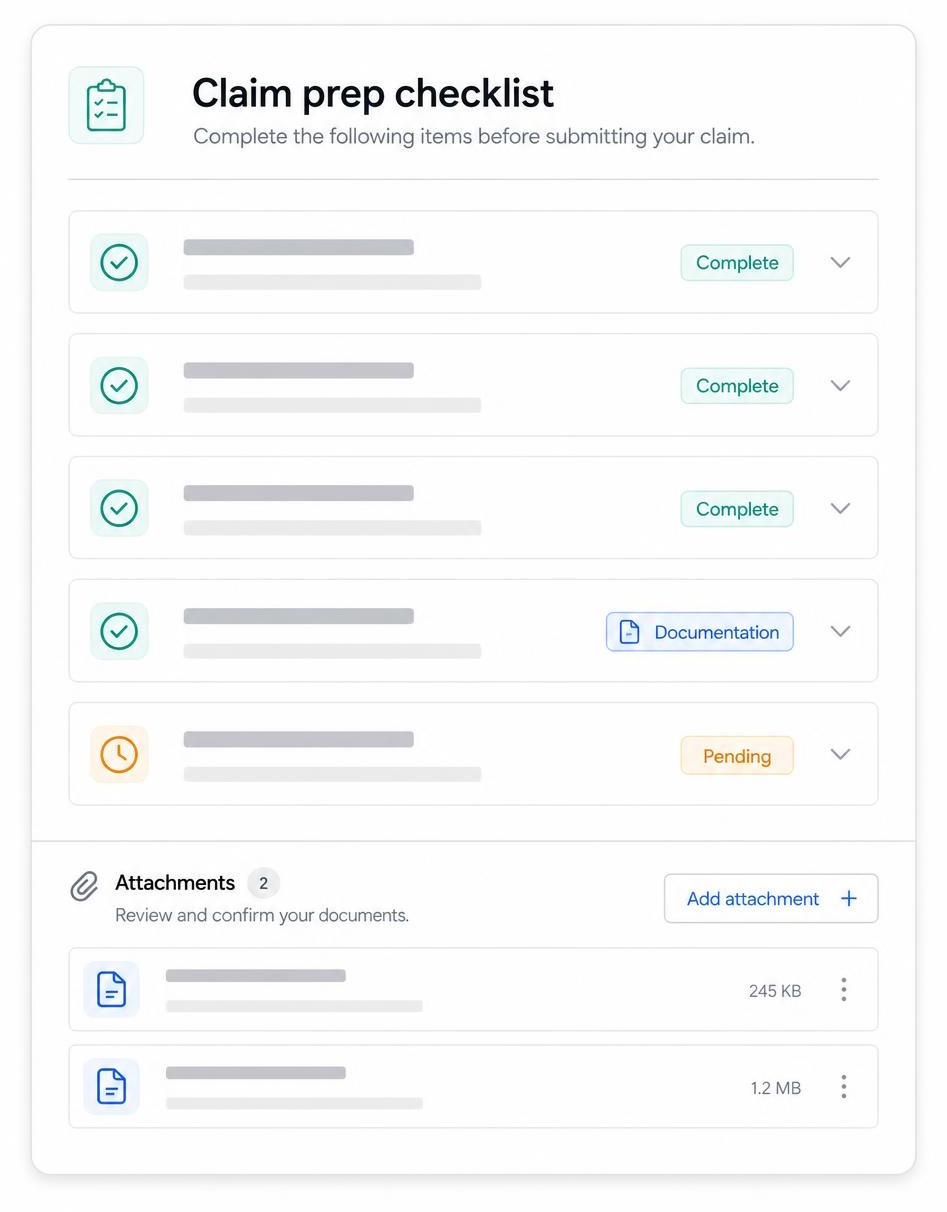
Claim prep has a clean checklist.
Attachments, narratives, and codes are gathered into a packet a person checks before it leaves the practice.
- Missing attachments flagged before submission
- Narratives drafted from the visit record for staff to edit
- Every packet cleared by a named reviewer
Claims desk
Crown seat · Michael R.
Eligibility check
Active
Yes
Remaining
$840
Deductible
$50 left
Missing for submission
Claim packet
6 of 8 complete
Ready to submit once narrative and pre-op X-rays are attached. Reviewed by insurance coordinator.
How PatientArc keeps it moving.
Five steps, applied the same way to recall, messages, treatment, benefits, and claims.
Detect
A recall comes due, a chair opens, a message lands, a claim is missing an attachment.
Draft
PatientArc prepares the outreach, the benefit check, or the packet with the context already attached.
Prioritize
Work is ranked by what is time-sensitive and what affects tomorrow's schedule first.
Review
A person reads the draft, edits it, and approves or declines it. Nothing sends on its own.
Close the loop
The approved step is logged on the patient's arc and stays open until the outcome is recorded.
One workspace, eight working parts.
AI prepares. Staff decide.
PatientArc drafts, gathers, and ranks the next step. The decision, the edit, and the send stay with your team.
- No diagnosis and no substitute for clinical judgment
- No patient-facing message sends without staff approval
- No automatic claim submission and no coverage guarantees
- No autonomous care, billing, or treatment decisions
- Every approval is logged with a name and a timestamp
Staff approval log
today- Sent
Recall outreach · 6 month bucket
approved by D. Reyes · 08:41
- Sent
Reply · appointment change request
edited by K. Osei · 09:12
- Waiting on payer
Pre-authorization packet
held by K. Osei · 09:30
- Follow-up due
Follow-up · unscheduled treatment
queued by D. Reyes · 10:04
Plans that follow the arc you work.
Start with recall and the communication queue. Add treatment follow-up, benefit tasks, and claim prep as you bring more of the journey into one place.
Journey Start
For single-location practices coordinating recall, schedule gaps, and message follow-up.
$149/ per location / month
- Daily Journey Brief
- Recall Arc
- Schedule Gap Matching
- Message Review Queue
- CSV import
- Up to 5 staff seats
Practice Arc
Full arcFor growing practices coordinating the full patient journey from recall to treatment follow-up.
$349/ per location / month
- Everything in Journey Start
- Treatment Follow-Up
- Benefit Task Board
- Claim Prep Checklist
- Staff Approval Log
- Custom workflow labels
Group Network
For multi-location groups that need shared journey templates, reporting, and tighter access control.
Custom
- Everything in Practice Arc
- Multi-location visibility
- Shared journey templates
- Advanced role-based access control
- SSO-ready configuration
- Custom import mapping
Billed monthly by practice location. Annual terms and implementation support available for groups. Taxes may apply. Compare plans →
Give every patient a clear next step.
Bring recall, messages, treatment follow-up, benefit tasks, and claim prep onto one arc your team reviews and approves.
AI prepares the next step. Staff review, approve, and decide.